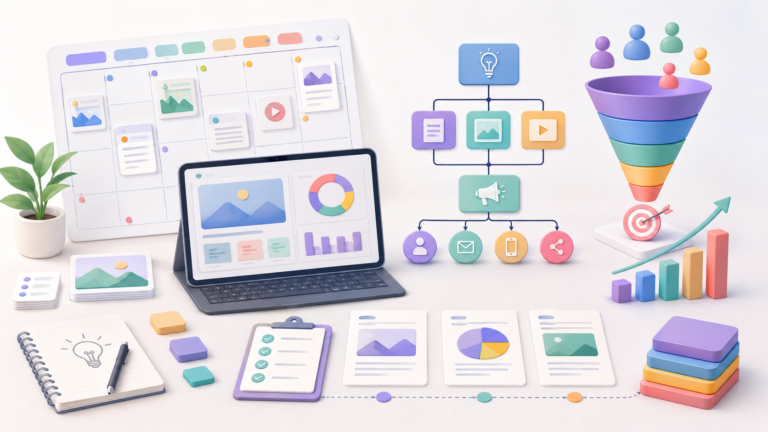
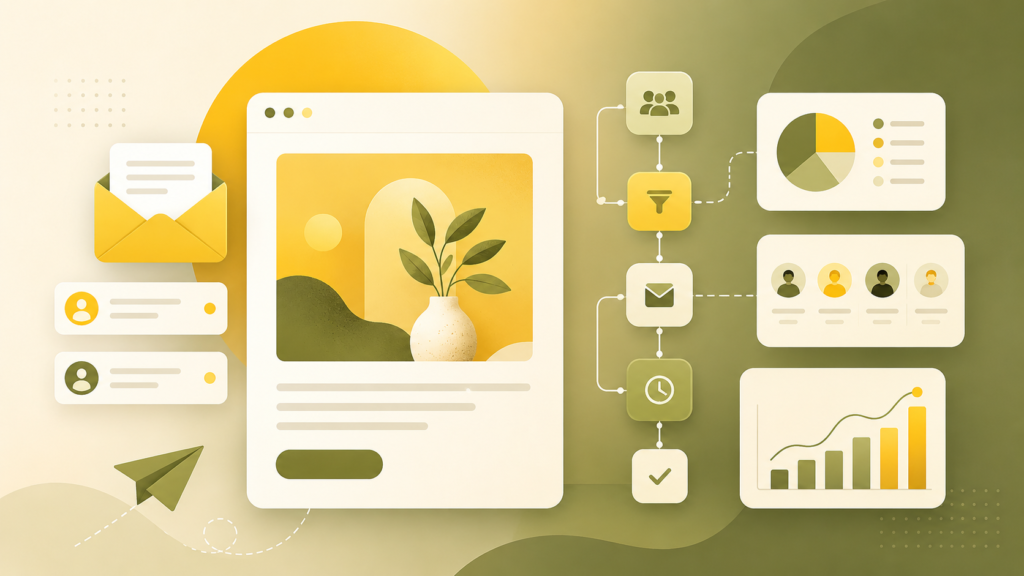
Mailchimp is one of the best-known tools for email marketing. It is often used by small companies, content projects, online stores, and teams that need to launch email campaigns without a long or complicated setup.
The main idea behind Mailchimp is simple: give a business one place to collect subscribers, create emails, send campaigns, and check basic performance data. For many teams, that is enough to get started.
But Mailchimp is not perfect for every situation. If you need regular newsletters, ready-made templates, and basic automation, it can be a good fit. If you need complex logic, deep segmentation, and advanced multi-step workflows, it is worth comparing Mailchimp with other platforms before choosing it.
What is Mailchimp
Mailchimp is an email marketing platform. It helps teams collect an audience, create emails, send campaigns, build simple automated sequences, and track campaign results.
The service has been around for a long time, so its structure is fairly easy to understand: contacts, templates, email builder, campaigns, reports, and basic automation tools.
Mailchimp is often used when email is a regular communication channel with an audience: company updates, promotions, digests, useful content, customer onboarding emails, and post-purchase messages.
Email builder
One of the main reasons Mailchimp became popular is its simple email builder. You do not need to code an email from scratch or write HTML. You can choose a template, add blocks, images, buttons, and text, then prepare a decent-looking email quite quickly.
This is useful for teams that do not have a separate email developer or designer for every campaign. A marketer or content manager can prepare the email and send it after review.
Of course, if you need a very custom layout, you may still need additional work. But for most basic newsletters and campaigns, the built-in builder is enough.
Templates and campaign design
Mailchimp offers ready-made templates for different tasks: newsletters, promotions, welcome emails, announcements, content roundups, and ecommerce emails.
This helps teams start faster, especially when they are new to email marketing. You do not need to spend a lot of time thinking about the first layout. You can take a ready structure, adjust it to your brand, and improve it over time.
For small businesses, this is a real advantage. Instead of spending weeks preparing the first campaign, you can launch a basic email much faster.
Working with subscribers
Mailchimp lets you store contacts, add tags, create audiences, and build segments. This matters because you do not always want to send the same email to everyone.
For example, you can work separately with new subscribers, regular customers, people who have not opened emails for a while, or users who are interested in a specific product.
At a basic level, this is enough. But if you need very complex segmentation, many conditions, advanced workflows, or personalization based on user behavior, it is better to check in advance whether Mailchimp can handle your setup.
Automation
Mailchimp supports automated emails. For example, you can set up:
- a welcome email after signup
- a short email series for new customers
- an email after purchase
- abandoned cart reminders
- a reactivation campaign for inactive subscribers
- a simple sequence with useful content
- This is a good option for companies that want more than one-time campaigns and would like to build basic communication with customers
At the same time, Mailchimp is not always the strongest choice for advanced automation. If you have many triggers, several scenario branches, and complex behavior-based logic, it is worth comparing it with ActiveCampaign, Customer.io, or HubSpot.
Reports and statistics
After sending a campaign, Mailchimp shows the main metrics: opens, clicks, unsubscribes, delivery errors, and other basic data.
This helps you understand how the audience reacts to emails. For example, you can see which subject lines get more opens, which buttons receive more clicks, and where the campaign needs improvement.
For a start, this level of analytics is usually enough. But if email becomes a serious performance channel for the company, you may need a deeper connection with your CRM, website, ecommerce platform, or analytics tools.
Who Mailchimp is good for
Mailchimp is a good fit for teams that want to start email marketing quickly and without too much complexity.
It can work well for:
- small businesses
- online stores
- blogs and media projects
- content teams
- educational projects
- local brands
- teams that are just starting with newsletters
Mailchimp is especially useful when you need to collect subscribers, create a good-looking email, and send your first campaign without heavy technical setup.
What we like about Mailchimp
Mailchimp has several strong points:
- clear interface
- convenient email builder
- ready-made templates
- quick start for new teams
- basic automation
- work with tags and segments
- reports on opens and clicks
- strong brand recognition and many learning resources
The main benefit is that Mailchimp lowers the entry barrier. Even if a team has never worked with email marketing before, it can understand the basic tasks fairly quickly.
What to consider
Mailchimp is not always the best choice for complex marketing processes. Before paying, check whether it fits your real needs.
Pay attention to a few things:
- how many contacts you will have
- what limits apply to your plan
- whether the templates and blocks are enough
- whether the automation builder is convenient for your use case
- whether it integrates with your website, CRM, or ecommerce platform
- whether its audience and segmentation logic works for you
- whether the price still makes sense as your list grows
Sometimes Mailchimp is great at the beginning, but becomes less comfortable when the database grows, workflows become more complex, and email marketing turns into a full system.
When to look at alternatives
It makes sense to look at alternatives if you need deeper automation, complex segmentation, stronger lifecycle marketing, or a closer connection with CRM.
For example:
- ActiveCampaign can be interesting if automation and workflows are important
- Customer.io is often considered by product and SaaS teams
- HubSpot works well for companies that want CRM, marketing, and sales in one ecosystem
- SendPulse can be an option if you need email, SMS, and chatbots in one service
- This does not mean Mailchimp is worse. It simply handles some tasks well and may be less convenient for others
Mailchimp for small business
For small businesses, Mailchimp often feels like a clear starting point. You can collect subscribers, set up a form, prepare an email, send a campaign, and check the results.
This is especially useful if the company has not worked with email before. Instead of a complex system with too many settings, the team gets a simple tool that helps them begin.
But it is important not to limit email marketing to simply sending messages. Even in Mailchimp, you should think about list quality, email topics, sending frequency, segmentation, and real value for the subscriber. Otherwise, the newsletter quickly becomes noise that people stop opening.
Final thoughts
Mailchimp is a good starting tool for email marketing. It suits teams that need a clear interface, templates, basic automation, and a fast way to launch email campaigns.
The service is especially convenient for small businesses, content projects, and teams that are just beginning to build an email channel.
If you need a simple and understandable platform for regular emails, Mailchimp is worth considering. But if you already know that you need complex workflows, deep segmentation, and strong automation, it is better to compare Mailchimp with more advanced email and marketing automation platforms.